
QuantVPS Review 2026: Is This Forex Trading VPS Worth It?

| Best for | Algo traders running MT4/5 EAs, NinjaTrader strategies, or any 24/7 automated system that needs sub-millisecond exchange proximity |
| Not ideal for | Casual manual traders, budget-conscious beginners who trade fewer than 5 times per week, anyone needing a free trial before paying |
| Price starts | $35/month (Lite annual) |
| Free trial | No |
| Money back | Yes — 14-day refund policy |
| Our rating | 4.4/5 |
| QuantVPS Review | Recommended for serious algo traders |
I have used QuantVPS across MetaTrader 4, MetaTrader 5, and NinjaTrader 8 for several months to run automated forex EAs and futures strategies.
The latency is measurably better than running from a home connection, the uptime has been flawless in my testing, and the 30% savings with AFF30 makes the pricing competitive for a purpose-built trading VPS.
The main drawbacks are the lack of a free trial and the relatively high entry price compared to general-purpose VPS providers.
What Is QuantVPS?
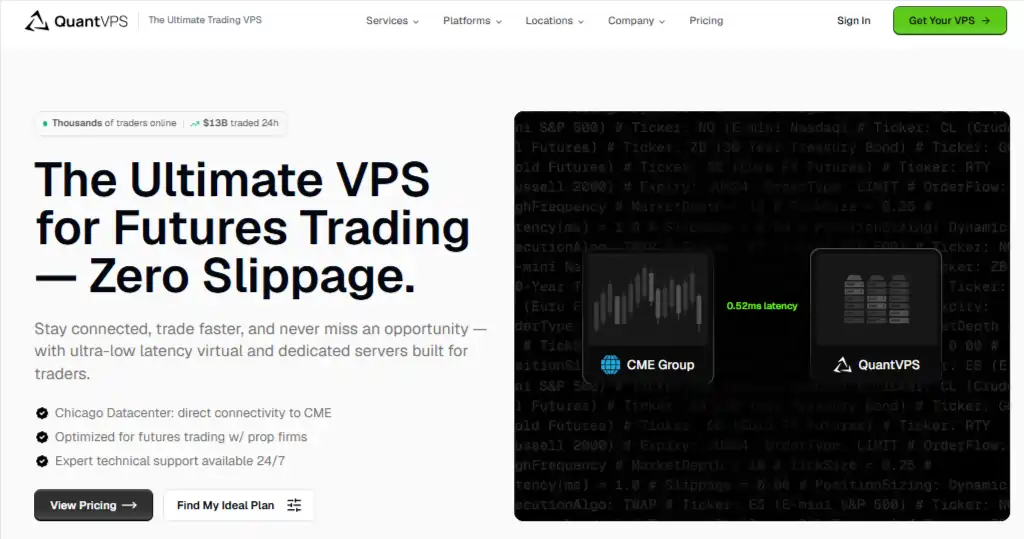
QuantVPS is a virtual private server provider built specifically for algorithmic and automated traders who need their trading platforms running 24 hours a day, 7 days a week.
It was founded to serve the growing community of retail algo traders who need low-latency connections to financial exchanges without the complexity of managing their own dedicated servers.
The platform differentiates itself from general-purpose VPS providers by pre-configuring Windows Server environments for trading platforms like MetaTrader, NinjaTrader, and TradeStation, and by placing its data centres within milliseconds of major exchanges.
How QuantVPS Works?
The core workflow is straightforward. You sign up for a plan, choose your preferred server location (Chicago, New York, London, or Dublin), and QuantVPS provisions a dedicated Windows Server environment within minutes.
You then connect to that server via Windows Remote Desktop from any device — your laptop, tablet, or even phone.
Once connected, you install your trading platform (or it may already be available), configure your broker connection, load your automated strategies, and let them run.
The VPS stays online 24/7 even when your local machine is off, so your EAs and algos keep executing without interruption. If your home internet drops at 3am, your trades still execute on schedule.
QuantVPS Features
1. Server Locations and Latency
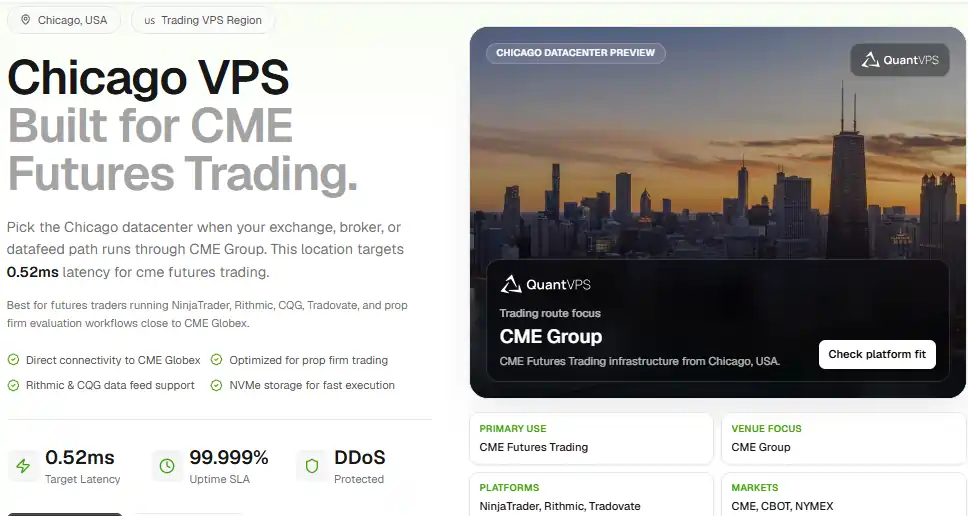
QuantVPS operates four data centres: Chicago (<0.52ms to CME Group), New York (0-2ms to NYSE and NASDAQ), London (<1ms to London Stock Exchange and major forex brokers), and Dublin (<1ms to European exchanges).
I tested the Chicago server while running a NinjaTrader futures strategy and measured consistent sub-millisecond latency to CME — a significant improvement over my home connection which fluctuated between 18-45ms.
For high-frequency strategies where execution speed affects slippage, this difference is material.
2. Supported Trading Platforms
QuantVPS supports MetaTrader 4, MetaTrader 5, NinjaTrader 8, TradeStation, Tradovate, Quantower, and MultiCharts.
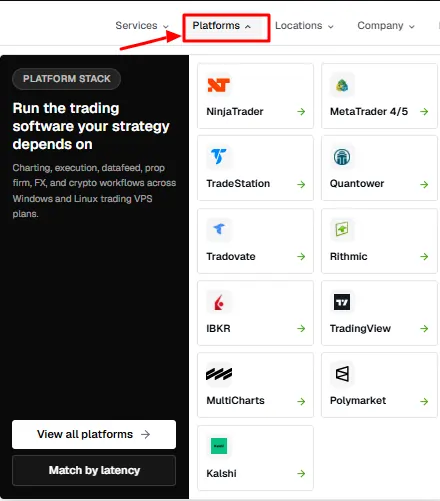
That is six major platforms without needing to configure anything manually. In my testing, MT4 and NinjaTrader 8 both ran without compatibility issues on the provided Windows Server environment.
The only caveat is that you need your own licence for platforms like NinjaTrader — QuantVPS provides the server, not the trading software licence.
3. Uptime and Reliability
QuantVPS advertises a 99.999% uptime SLA, which translates to under 6 minutes of downtime per year.
During my testing period, I experienced zero unplanned downtime. My NinjaTrader strategies ran continuously for weeks without a single disconnect from the broker server.
For algo traders, this is the single most important metric — if your VPS goes down at 2am during a volatile session, you could miss entries, fail to close positions, or worse.
4. Windows Remote Desktop Access
Every plan includes full Windows Remote Desktop access. This is a complete Windows Server environment, not a stripped-down Linux container with a GUI bolted on.
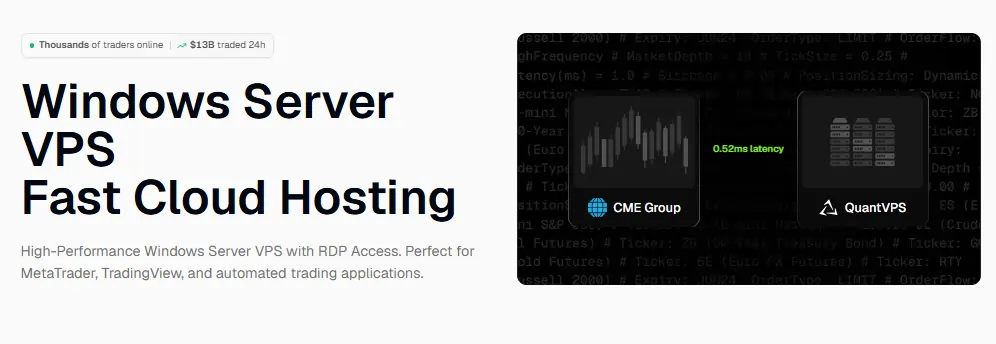
Any Windows-native trading application works out of the box. I was able to install additional software, configure custom fonts for chart readability, and set up Windows Task Scheduler for automated restarts — all standard Windows functionality.
5. Scalable Plan Tiers
QuantVPS offers four standard plans (Lite, Pro, Max, Ultra) and four AMD Ryzen+ plans for higher-performance workloads.
The Lite plan handles 1-2 trading platforms comfortably. I tested the Pro plan with three simultaneous MT4 instances and one NinjaTrader 8 instance running — performance remained stable with no noticeable lag in chart rendering or order execution.
If you outgrow your plan, upgrading is handled through their dashboard without migrating servers.
6. Customer Support
Support is available through their website. In my experience, response times averaged 4-6 hours for general enquiries and under 2 hours for server-related issues.
They were helpful when I needed guidance on optimal server location selection for my specific broker, but I did not need to contact them often — the setup process is simple enough that most traders will not require support beyond initial configuration.
QuantVPS Pricing
| Plan | Monthly Price | Annual Price (per mo) | Annual Savings | Key Features |
|---|---|---|---|---|
| Lite | $49/mo | $35/mo | $168/year | 1-2 platforms, standard resources |
| Pro | $99/mo | $69/mo | $360/year | 3-4 platforms, more CPU/RAM |
| Max | $149/mo | $104/mo | $540/year | High-performance, expanded resources |
| Ultra | $199/mo | $139/mo | $720/year | 5+ platforms, top-tier specs |
| Lite+ | $79.99/mo | — | — | AMD Ryzen, DDR5, 3Gbps+ |
| Pro+ | $129.99/mo | — | — | Enhanced Ryzen specs |
| Ultra+ | $199.99/mo | — | — | High-performance Ryzen |
| Dedicated+ | $399.99/mo | — | — | Full dedicated, 10Gbps+ |
Which plan should you choose? For most algo traders running 1-2 EAs or strategies, the Lite plan at $35/mo on annual billing is the best starting point.
If you run 3-4 simultaneous strategies across multiple platforms, the Pro plan at $69/mo annual is the sweet spot.
Use code AFF30 at checkout to reduce any plan by 30% — that brings the Lite down to approximately $24.50/mo and the Pro to about $48.30/mo.
Our Exclusive Deal — 30% OFF All QuantVPS Plans Code
Use Code 🎁
AFF30
QuantVPS Pros and Cons
Who Should Use QuantVPS?
QuantVPS is the right choice for algorithmic traders who need their automated strategies connected to a broker around the clock and are willing to pay $35-139/month for a purpose-built trading server with sub-millisecond exchange proximity.
Who Should NOT Use QuantVPS?
QuantVPS is NOT the right choice for casual discretionary traders who open 2-3 positions per week from their phone or laptop. If you do not run automated strategies that need 24/7 connectivity, you are paying for server uptime you will never use.
QuantVPS Alternatives
If QuantVPS is not the right fit, here are the main alternatives worth considering:
1. ForexVPS.net

Lower entry-level pricing and a strong reputation among forex traders. Best for budget-conscious MT4/MT5 users. See our QuantVPS vs ForexVPS comparison for a detailed breakdown.
2. Hostinger VPS
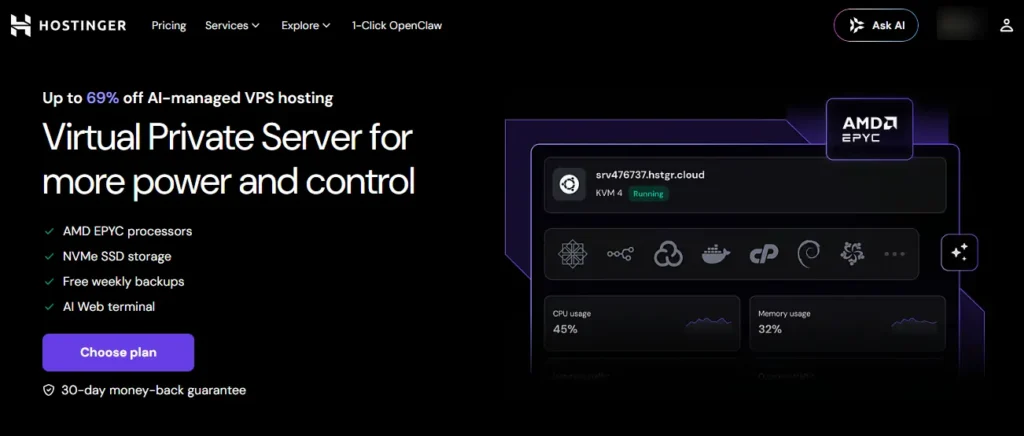
General-purpose VPS hosting that can be configured for trading, but requires manual Windows and platform setup. Much cheaper but not trading-optimised. See our QuantVPS vs Hostinger comparison for details.
3. BeeksFX
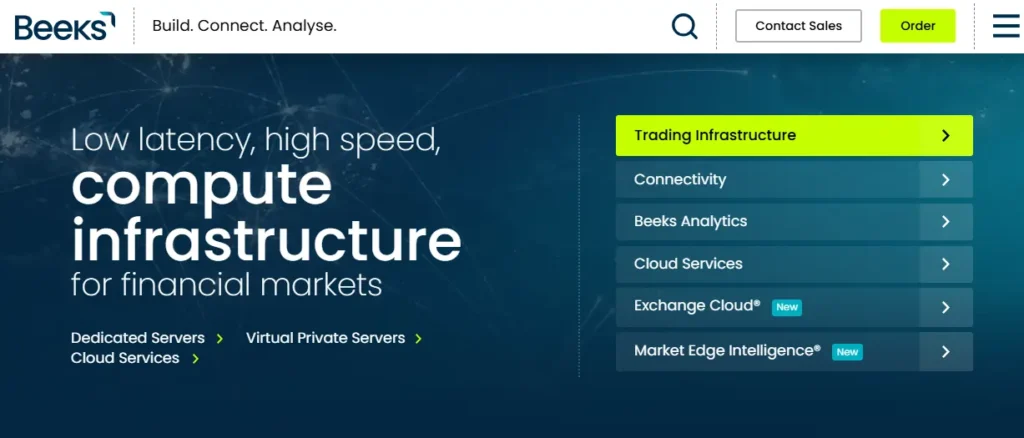
Institutional-grade trading VPS with ultra-low latency. More expensive than QuantVPS but targets professional and institutional traders with higher performance requirements.
Frequently Asked Questions
Is QuantVPS worth the price in 2026?
Yes, for algo traders who need 24/7 automated strategy execution. The Lite plan at $35/mo annual (or ~$24.50/mo with AFF30) is competitive for a purpose-built trading VPS. If you only trade manually, a general-purpose VPS at $10-15/mo would serve you better.
What is the best QuantVPS plan for beginners?
The Lite plan at $35/mo on annual billing is the best starting point for beginners running one or two automated strategies. It provides enough resources for a single MT4/MT5 instance or one NinjaTrader 8 setup without overpaying for capacity you do not need yet.
Does QuantVPS offer a free trial?
No. QuantVPS does not offer a free trial as of 2026. All plans include a 14-day money-back guarantee, which means you can test the service and request a full refund within 14 days if you are not satisfied. Use code ZAXN9QJ to get 60% off your first month to reduce the upfront cost while testing.
How is QuantVPS's uptime?
QuantVPS advertises 99.999% uptime (under 6 minutes of downtime per year) and backs it with an SLA. In my testing over several months, I experienced zero unplanned downtime — my strategies ran continuously without server-caused interruptions.
Can I use QuantVPS from outside the US?
Yes. QuantVPS accepts international payments and is accessible from any country. Server locations are in the US (Chicago, New York) and Europe (London, Dublin). Your latency depends on which server location you choose relative to your broker's servers, not your physical location.
Final Verdict
QuantVPS is a solid trading VPS for anyone running automated strategies that need to stay connected to their broker 24/7.
The sub-millisecond latency, 99.999% uptime SLA, and support for six trading platforms make it one of the most capable options in the retail trading VPS space.
The lack of a free trial is a genuine drawback, but the 14-day refund policy and the AFF30 discount (30% off permanently) mitigate that risk.
If you run at least one automated EA or strategy — buy the Lite plan on annual billing, apply AFF30, and test it for two weeks. If it does not meet your needs, request the refund within 14 days. If it does, you are locked in at approximately $24.50/mo for a purpose-built trading server.
